 ← Back to Common Fixes
Fortnite Private – "Close Easy Anti Cheat" error
If you get a pop-up telling you to close Easy Anti Cheat, make sure all game launchers are fully closed.
Make sure you have all game launchers closed.
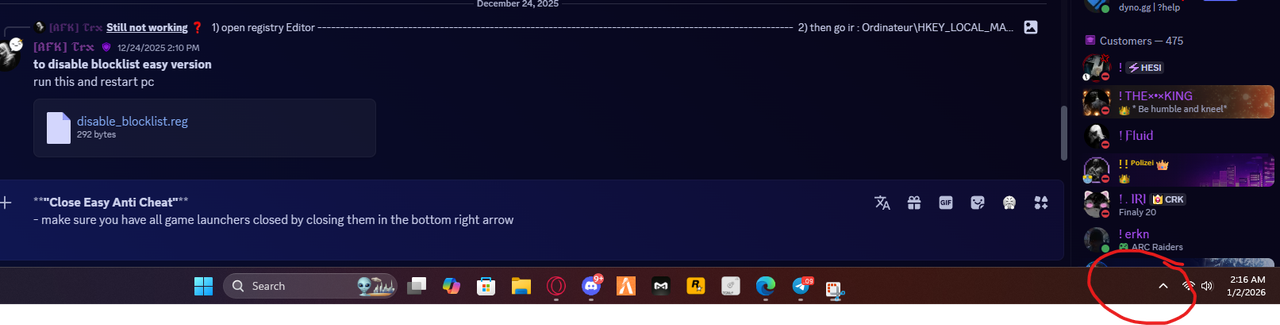
Close them by opening the bottom-right arrow (system tray) on your taskbar and exiting any game launchers running there (Epic Games, Steam, EA, etc.).
Click the bottom-right arrow and close all game launchers:
Still seeing the error? Open a ticket on Discord.